Installation
To interact with a large language model (LLM) it is recommend that you utilize one of the pre-existing interfaces that have been built by the open-source community.
There are a few interface options based on your particular needs:
text-generation-webui (aka Oobabooga)
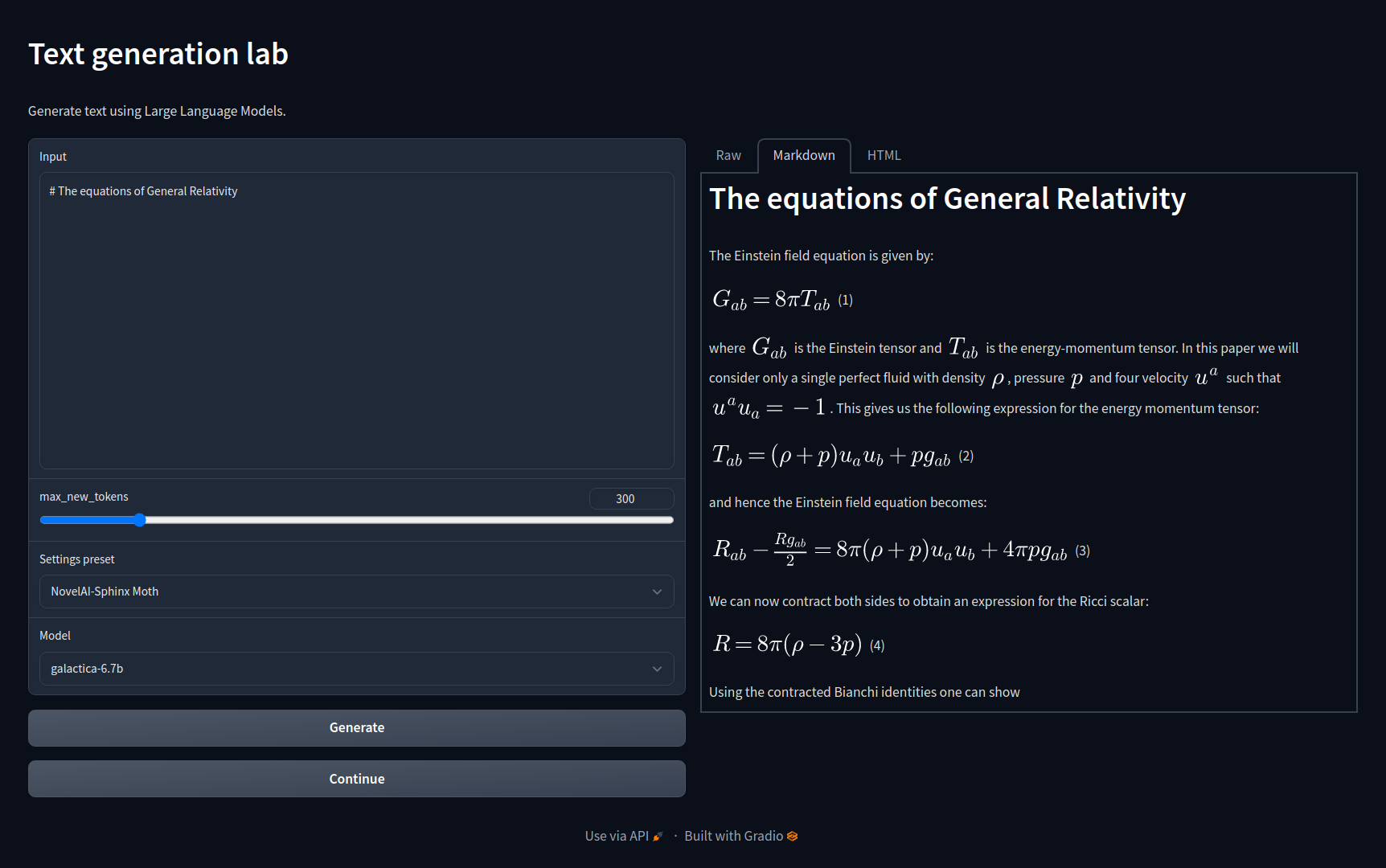
Ooba is one of the most popular user-interfaces for interacting with locally hosted LLMs and a recommended starting point.
- Chat with streaming output
- Download & manage models via UI
- API Support (including drop-in replacement for OpenAI)
- LoRA (Low Rank) Model Training
- Extendable via Plugins
GitHub: https://github.com/oobabooga/text-generation-webui
koboldcpp
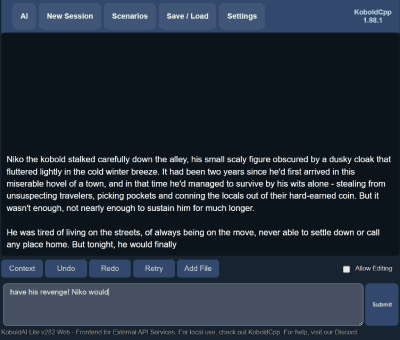
Interact with llama.cpp, a port of Facebook's LLaMA model in C/C++
- Simple, focused UI
- Maintains conversation context
- Windows/Mac/Linux Support
- Only 20MB!
GitHub: https://github.com/LostRuins/koboldcpp
Exllama
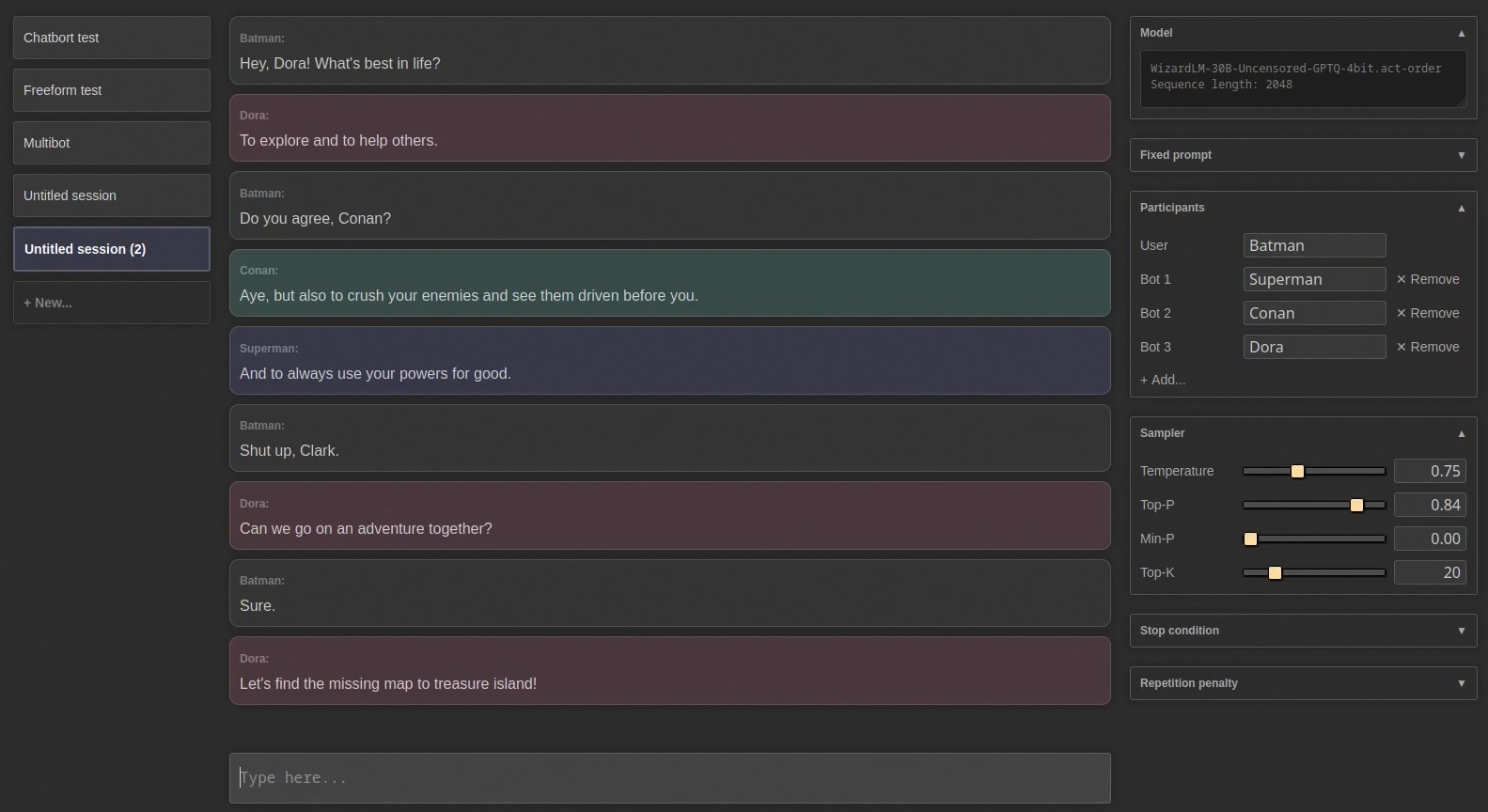
Exllama is an emerging interface which is focused on being memory efficient for better compatibility with modern GPUs.
- Focused on speed & memory management
- Polished user interface
- Multi-bot mode
- Ongoing updates
GitHub: https://github.com/turboderp/exllama
SillyTavern
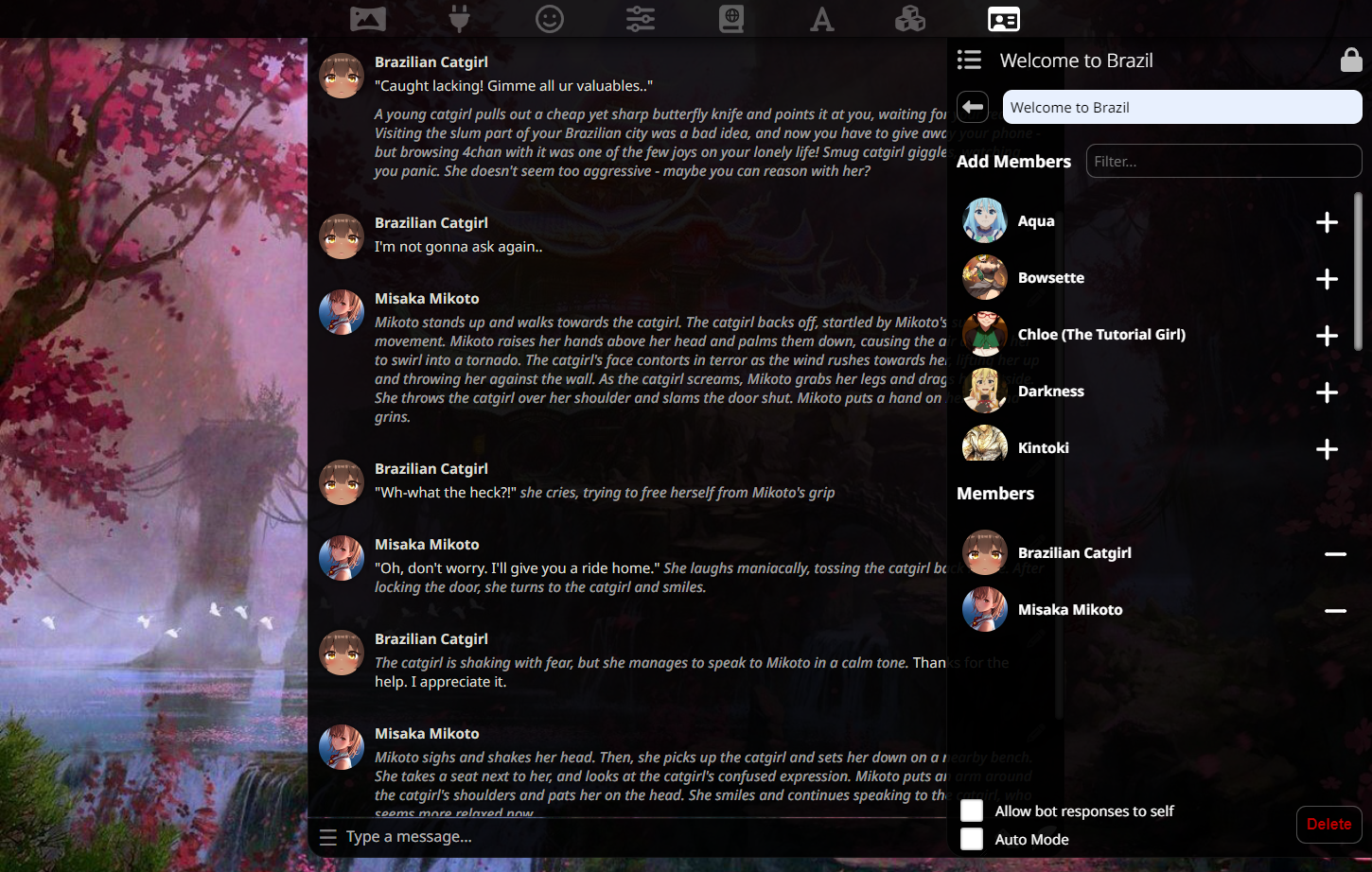
A popular user-interface option for those interested in role-playing and character creation.
- Support for group chats
- Define worlds for enhanced immersion
- Create character agent bots
- Connectable with Oobabooga via API
- Supports additional functionality via Extensions
GitHub: https://github.com/SillyTavern/SillyTavern
Work in progress! If you are interested in contributing content, please go to our github repo and read our contribution.md file and make a pull request!
Listed below are the items we want on this page:
- List of UI's that are available and the advantages of each of them.
- How to get up and running on oobabooga for linux, windows, mac using the 1 click installers
- Running your first inference