Building a Local Machine
Like all hobbies, you can start small and expand out as you get into more advanced topics.
As a generic guidance, it is good for your system to have:
- A fast internet connection for downloading models
- Ample disk space to store models (can be 100GB+ if experimenting with models, datasets, etc.)
- Although a GPU is not required it can greatly improve the token generation speed and user experience.
Starter Hardware Configurations
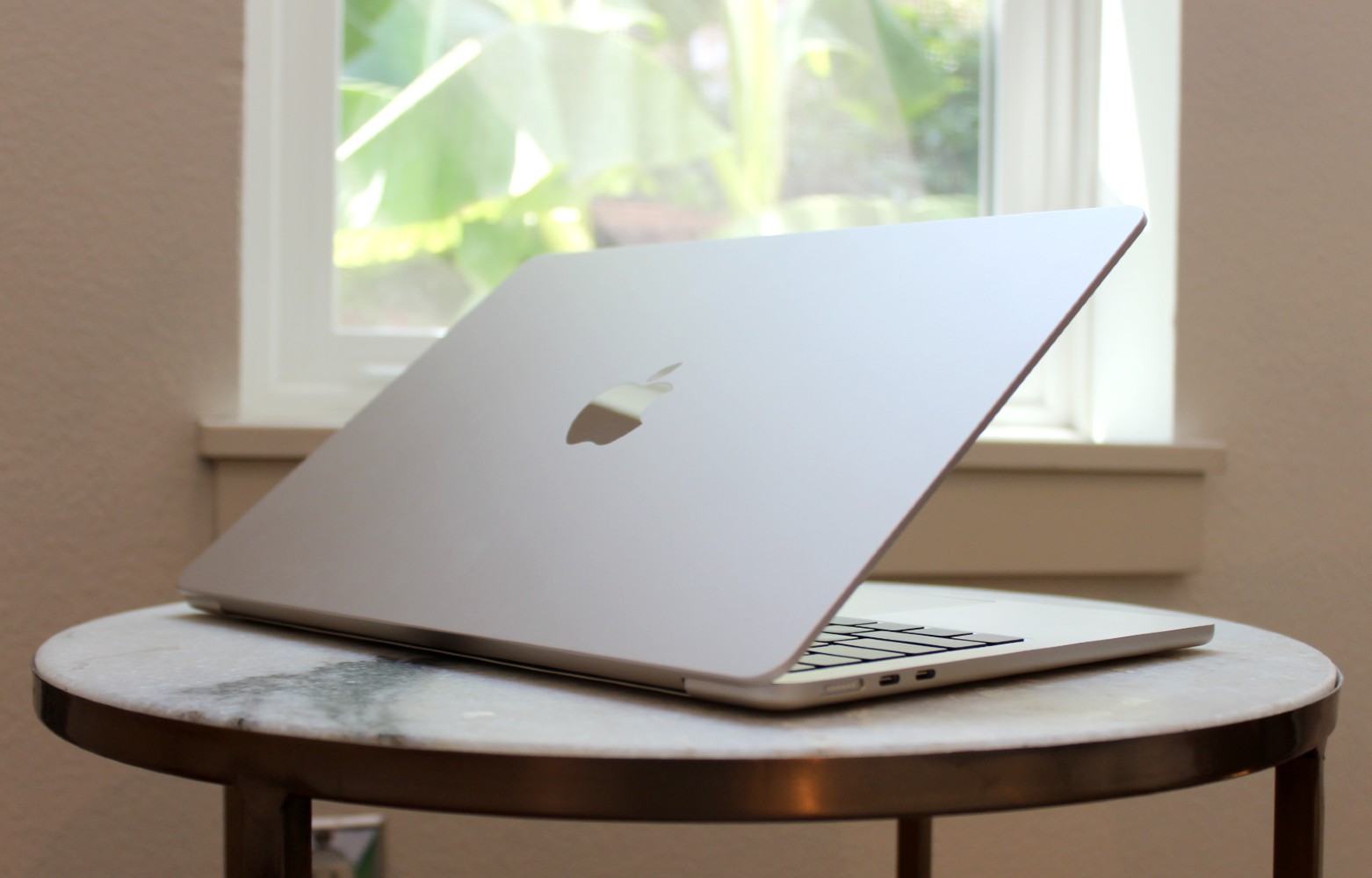
If you are just getting started with LLMs, you can use any recent desktop/laptop or even a Raspberry Pi to get you started learning the basics:
- Getting Familiar with Python
- Understanding Docker Deployments
- Deploying User Interfaces
- Basic Evaluation of Models
Although this setup can get you started, you may push the limits of a starter system if you are interested in more advanced topics:
- Fast token generation speeds
- Larger Models (>7B)
- Training Models### Intermediate Hardware Configurations

If you have outgrown your starter system, you may be looking to utilize larger models or even train your own model.
When looking for a new system, keep the following in mind:
- Your GPU should likely be the biggest consideration, more specifically, the amount of VRAM the card has. LLM files will be loaded from disk into VRAM so ensuring you have enough room to fit your model is key!
- Storage type and speed can have downstream impacts on the performance of your model! If you are downloading or loading your models from a traditional spinning hard drive, this will be much slower than if they were stored on an SSD or NVMe drive.
- Models are loaded from disk into VRAM via your system RAM! If you plan to load a model that is 20GB in size, you will need >20GB of system RAM or you will need to utilize swap space.
Hardware Recommendations:
- Any Intel or AMD CPU from the last few years (Ideally LGA 1200, AM4 or newer)
- 500GB+ of fast storage (PCI Express 4.0 NVMe encouraged)
- 64GB RAM (faster speeds the better)
- Nvidia RTX 3090 GPU (24GB VRAM)
- Ubuntu 22.x
A system of this spec should be able to run unquantized 17B models or quantitzed 30B models with ease.
Based on the model in use you can expect >30 tokens/sec with a similar setup.
Advanced Hardware Configurations
Should you venture into more advanced use-cases such as utilizing 65B models or training against massive datasets, you may consider expanding upon your intermediate build.
In these scenarios you can further upgrade your local system or even utilize cloud based GPU providers for shorter term projects.
Hardware Recommendations:
- Explore and utilize the latest hardware available (AM5, PCI Express 5.0, NVLink)
- Add an second GPU to your system for additional VRAM (ensure you have enough open PCI lanes!)
Cloud Recommendations:
- RunPod.io: A popular option amongst the community for renting GPUs by the hour. Good user experience overall but prices are slightly higher compared to other options.
- Vast.ai: Cloud GPU provider; has good prices but UI is not quite as polished as RunPod.
- "The Big 3": Amazon AWS, Google GCP and Microsoft Azure all offer cloud based VMs and GPU hardware. You may also consider this as an option.